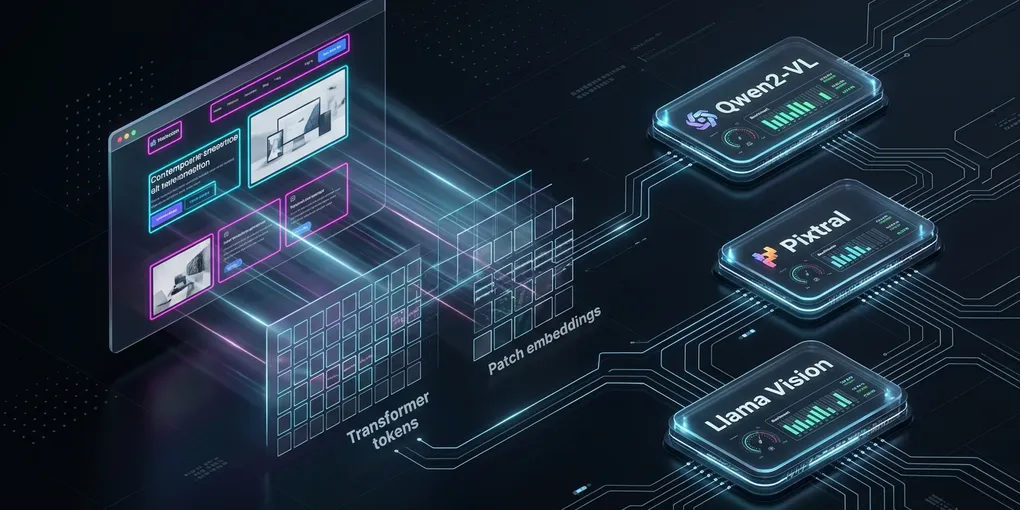
Qwen2-VL vs Pixtral vs Llama 3.2 Vision: Open Multimodal Agent Architecture on Linux (2026)
Scope and method: This is a comparison of public architecture documentation and model cards, not a GPU benchmark. No inference latency, OCR accuracy, bounding-box precision or peak VRAM was experimentally measured. Exact visual-token counts depend on image processing settings and software versions.
Building a local browser or document-reading agent is not just choosing the largest vision model. Input image budget, model license, serving engine compatibility, interface security and the consequences of acting on incorrect coordinates matter. This guide compares three published model families on those dimensions, rather than presenting unmeasured numbers as results.
Three architectures, different trade-offs
| Model family | Relevant documented capability | Practical verification needed |
|---|---|---|
| Qwen2-VL-7B-Instruct | Image-text tasks, dynamic image resolution; Apache-2.0 model card | Screenshot resizing, coordinate format, per-version vLLM support |
| Pixtral-12B-2409 | Image-language model that handles image inputs | Actual supported checkpoint, image dimensions, quantization availability |
| Llama-3.2-11B-Vision-Instruct | Visual question answering using Meta’s vision model family | License obligations, memory/format support and target task accuracy |
License gate for Llama 3.2 Vision: The Meta model card and license state that the multimodal Section 1(a) rights are not granted to individuals domiciled in the EU or companies with their principal place of business in the EU; this restriction does not apply to end users of an integrated product or service. Separate commercial terms require organizations whose products or their affiliates exceeded 700 million monthly active users in the calendar month immediately before the September 25, 2024 model release to request a license from Meta before exercising those rights, subject to the agreement’s stated conditions and exceptions. Review the full current license, redistribution requirements and use policy before deployment; seek legal advice for edge cases.
A source-supported feature is not a measured performance ranking. The right choice changes when the task is UI grounding, document interpretation or general visual QA. Consult the vLLM supported-models matrix for the exact checkpoint and engine version before deployment.
Image tokens and GPU memory: estimate, then measure
Model parameters alone do not determine peak GPU memory. Weight storage, vision encoder activations, KV cache, CUDA workspaces, concurrency and runtime allocation all contribute. Rough weight arithmetic for an uncompressed BF16 checkpoint is parameters multiplied by two bytes, but physical GPU usable memory is lower than capacity once other allocations are included.
Avoid claiming that a 1920 × 1080 screenshot always becomes one exact count of visual tokens. Resize policy, patch-merging, pixel bounds, crops, padding and processor version affect that count. The Qwen2-VL model card and vLLM supported model documentation help establish capabilities, not a universal token budget or guaranteed spare VRAM.
For controlled evaluation, record the actual checkpoint revision, renderer dimensions, image processor arguments, reported input-token count if available, GPU allocation and peak latency. Repeat with several screenshot and document sizes; don’t extrapolate from one image.
Start local serving without opening a public inference endpoint
For an authorized illustrative but unexecuted local API-listener example, inspect the installed vLLM CLI and checkpoint compatibility first:
vllm serve --help

# Confirm model compatibility and GPU capacity before starting a local server.
vllm serve Qwen/Qwen2-VL-7B-Instruct --host 127.0.0.1 --port 8000
The loopback host setting only limits this HTTP API listener. It does not guarantee other internal distributed-worker or communication ports stay local. Restrict those with firewall and trusted-network rules in accordance with the vLLM security guidance. The complete model command was not executed or verified on a specified GPU and vLLM release; it can fail on incompatible versions, checkpoints or memory budgets. Use your installed version’s serve CLI to determine the actual accepted multimodal pixel/quantity limit flags. Configure limits for your tested model, not an unverified fixed 1280-token or four-image budget.
For a Python client, connect only to the trusted local endpoint. Never treat an unverified model-produced bounding box as authority to click sensitive UI. Validate the output structure and 0–1000 coordinate range (if that is the explicitly documented output format for the selected model), map coordinates to the actual screenshot viewport and require user confirmation before consequential actions.
Inference API security matters independently of model accuracy
The vLLM security guide warns that --api-key alone does not authenticate every server endpoint, including sensitive auxiliary paths. Do not bind an unaudited server to all interfaces and assume the OpenAI-compatible key protects the entire service. External deployments need network restrictions, a reviewed reverse proxy and endpoint-level authorization.
Image uploads also carry privacy and resource-exhaustion risk. Use server-enforced request-size/pixel caps, bounded concurrency, authentication and an explicit policy for screenshot retention. Do not permit untrusted clients to override processor settings unless the server and engine version explicitly validate those overrides.
Choose by acceptance test, not an invented benchmark
- Browser UI actions: Test the specific button/text-locator task at the actual viewport. Measure incorrect-click rate and reject ambiguous coordinates.
- Document reading: Evaluate tables, wide diagrams, multi-page documents and image resolution using held-out documents.
- Memory fit: Measure cold model load, peak VRAM and per-request memory under representative concurrency; simple BF16 weight math is not enough.
- Security: Check image privacy, authorization boundaries and whether the service is reachable beyond the intended interface.
- Reproducibility: Record model revision, inference engine version, prompt, image sizes, processor configuration and hardware.
This is a research and architecture guide, not a claim that any model was run on a 24 GB GPU with a specific observed footprint.
Primary references
- Qwen2-VL official model card
- Pixtral model card
- Llama 3.2 Vision model card
- vLLM supported models
- vLLM serve CLI
- vLLM security
Reviewed November 12, 2026. No hardware benchmark was performed; all quantitative conclusions require separate measurements.